

Free · No sign-up · No card
Try GPT Image 2.5 free, without creating an account
This page is the quickest way to try GPT Image 2.5: there is no registration form, no card field, and no credit balance to top up. Write a prompt, choose a frame, confirm you are human, and your image is generated at 1K, ready to download. Nothing is kept for you while you are signed out, so the page works like a scratchpad. When you need reference images, 2K or 4K output, or a saved history, the full workspace is one click away.
Free page or full workspace: choose what you need
Both run in the browser. The free page is for quick text-to-image drafts with no commitment. The workspace is for projects that need reference images, higher resolution, and a saved history.
GPT Image 2.5 free page
You are here. Generate from a text prompt at 1K with no account, no card, and no credits.
Full GPT Image 2.5 workspace
Sign in to edit with up to 16 reference images, export at 1K, 2K, or 4K, and keep every result in your library.
Credit plans
See what each plan and credit pack covers before you decide to upgrade.
| What you get | Free page | Full workspace |
|---|---|---|
| Cost | Free, no credits | 10, 20, or 30 credits per image |
| Account | Not needed | Free account required |
| Input | Text prompt | Text prompt plus up to 16 reference images |
| Output size | 1K | 1K, 2K, or 4K |
| Saved history | Only when you sign in; otherwise download before you leave | Every result is saved to your library |
| Best for | Quick ideas and first drafts | Edits, variations, and final assets |
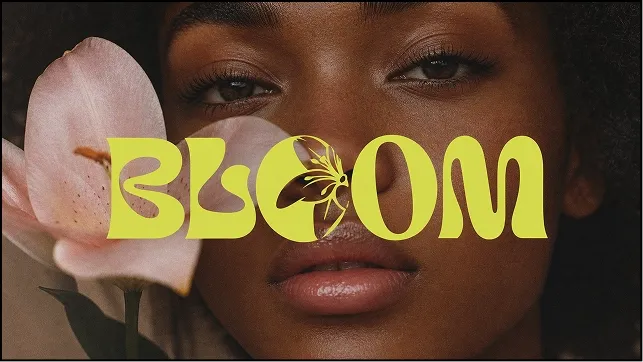
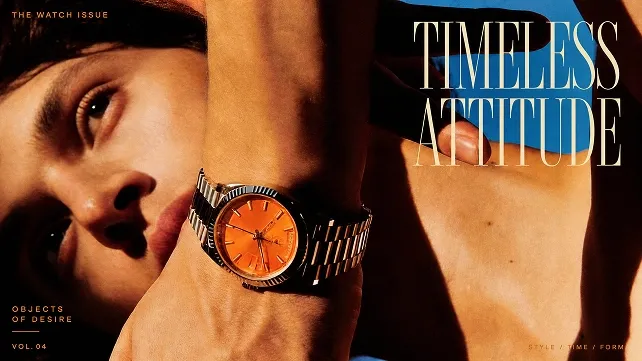
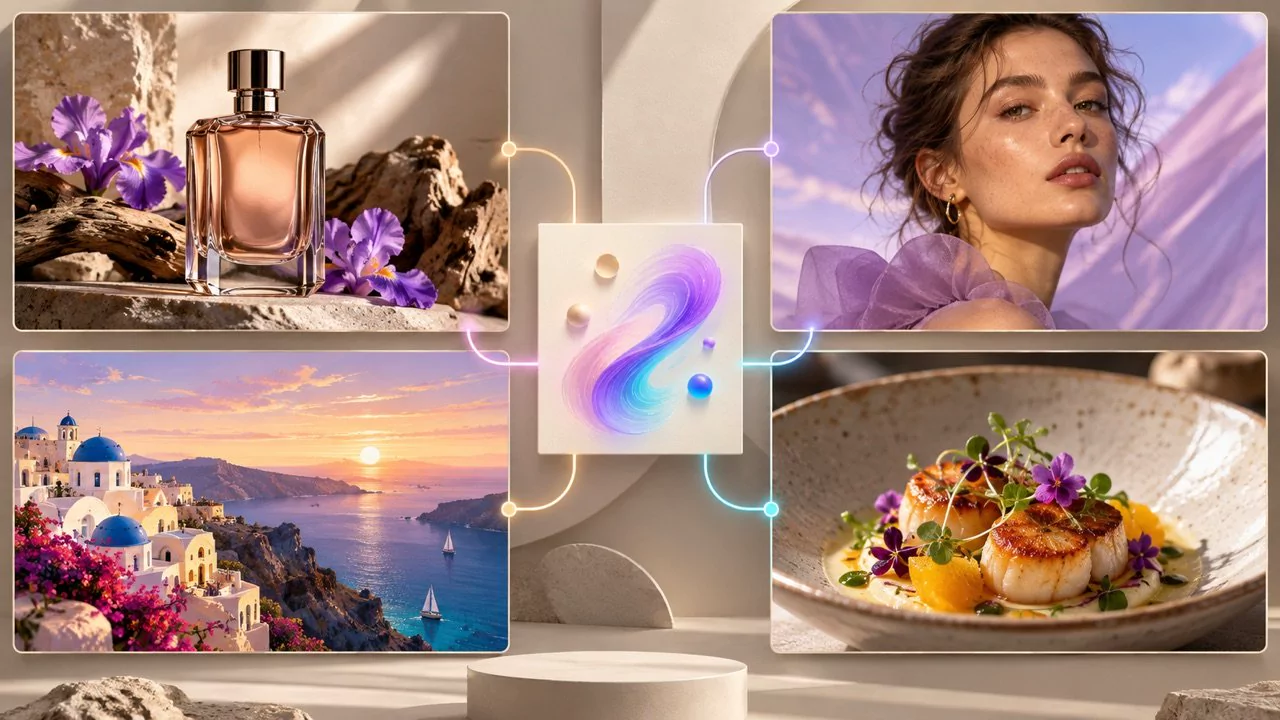
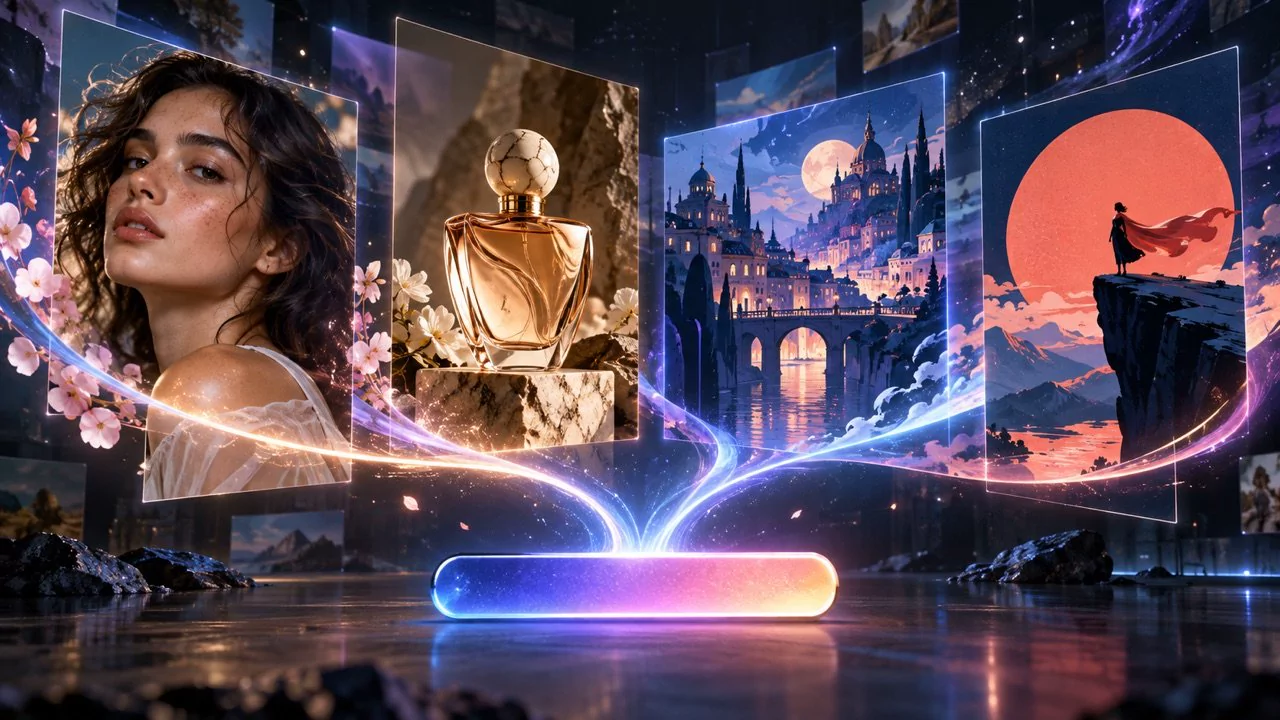
What a text prompt can become
Typography posters, editorial covers, and multi-scene concept art all start the same way: a clear subject, a setting, a light source, and the exact words that should appear. Use these as starting points for your own prompt.
Why use the free GPT Image 2.5 generator
No account, no card
There is no registration form and no payment step. Open the page, type a prompt, and generate.
Nothing to install
Everything runs in the browser on desktop and mobile. There is no app, no plug-in, and no waitlist.
Pick the frame first
Choose square 1:1, portrait 3:4 or 9:16, or landscape 4:3 or 16:9 before you generate, so the image already fits where you plan to use it.
Keep what you like
Download the image as soon as it appears. Sign in first if you would rather have every result saved to your library automatically.
Free prompt ideas to try first
Copy one of these, swap in your own subject, and generate. Short, concrete prompts give the most predictable first result.
Product hero shot
A glass perfume bottle on wet black rock, warm rim light, dark misty background, empty space on the right for a headline.
Social post background
Layered paper shapes in coral and deep blue, one bold circle in the centre, soft shadows, flat even lighting.
Storyboard frame
A traveller at the edge of a pine forest at dawn, low camera, fog between the trees, a single warm light in the distance.
Mood board tile
A quiet lake under pale mist, muted greens and greys, low horizon, a lone wooden jetty on the left.
How to use the free GPT Image 2.5 generator
Three steps, no registration. You can start typing as soon as the page loads.
- 1Describe the subject, the setting, and the light in the prompt box.
- 2Choose an aspect ratio and press Generate. A quick human check runs before the image is created.
- 3Download the image when it appears. Signed-out results are not stored, so save the ones you want to keep.
What GPT Image 2.5 costs beyond the free page
Generating on this page is free and uses no credits. In the full workspace, GPT Image 2.5 costs 10 credits at 1K, 20 at 2K, and 30 at 4K, and the charge is shown before you submit. A free account can also collect 1 credit a day through the daily check-in.
See credit plansQuestions about generating for free
Short answers about cost, accounts, limits, and saved images.
Is GPT Image 2.5 really free on this page?
Yes. Generating here uses no credits and needs no card. You get a 1K image from a text prompt. Reference images and 2K or 4K output are part of the full workspace.
Do I need to sign up or log in?
No. The generator works without an account. Signing in is optional and changes one thing only: your results are saved to your library instead of being discarded.
Why is there a verification step when I press Generate?
Because the page is open to everyone without an account, a quick human check runs before each image is created. It stops automated traffic from using up the free capacity.
Are my free images saved?
Not while you are signed out. The image is shown once and is not kept for you, so download it before you leave. When you are signed in, each result is added to your library.
What are the limits of the free generator?
One image per request at 1K, from a text prompt, with a short pause between generations. Every free download is watermark-free. For reference-guided editing and 2K or 4K output, open the full workspace.
How is this different from the full GPT Image 2.5 workspace?
The free page is a no-account way to try the model. The workspace adds up to 16 reference images, 1K, 2K, and 4K output, a saved history, and credit-based billing.